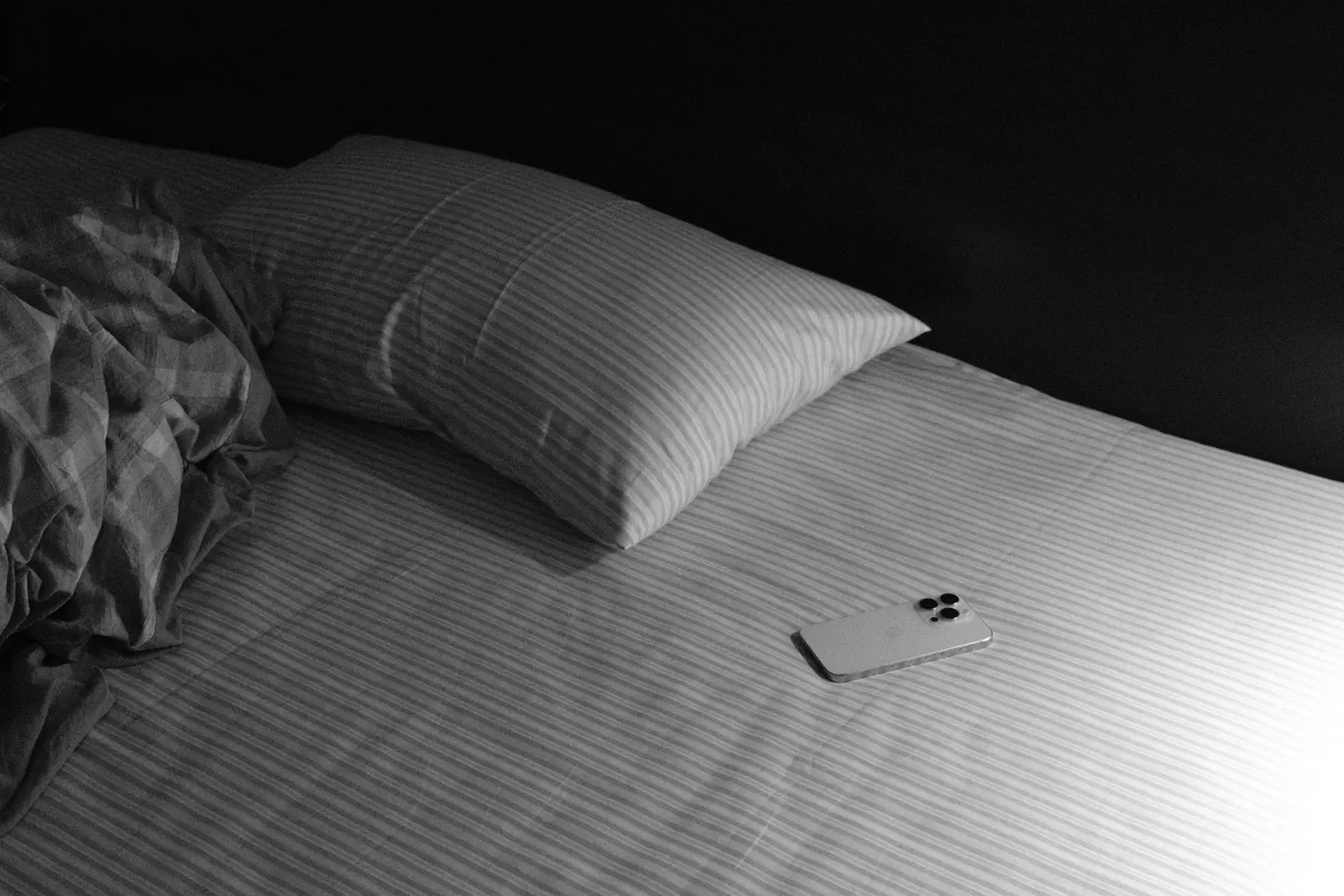
Minutes, not a single verse
The lock lifts after real reading time, so the habit is reading, not tapping past a quote.
Build a daily Bible reading habit. PageFirst keeps social media locked until you've read in your own Bible app.

PageFirst is an iPhone app that keeps your social media apps locked each day until you've read the Bible for a few minutes in your own Bible app.

PageFirst puts a page of the Bible in front of it.
Set it up once. After that, every day starts the same way: read, unlock, done. Repeating that small step before the feed is how Bible reading becomes a daily habit.
YouVersion, JW Library, Blue Letter Bible, Logos, Bible Gateway, Apple Books, Kindle, or any other reading app you like.

Pick single apps, or the whole Social category. They stay locked until you've read.

Start with 5 minutes. Premium adds 10, 15, 20 or 30 minute goals.
Tap the yellow button to open your Bible app. Only time in your reading app counts.
Your apps open until tomorrow, and your streak grows by one day.

Unlike apps that show their own verse or prayer on a lock screen, PageFirst counts real reading time in the Bible app you already use.
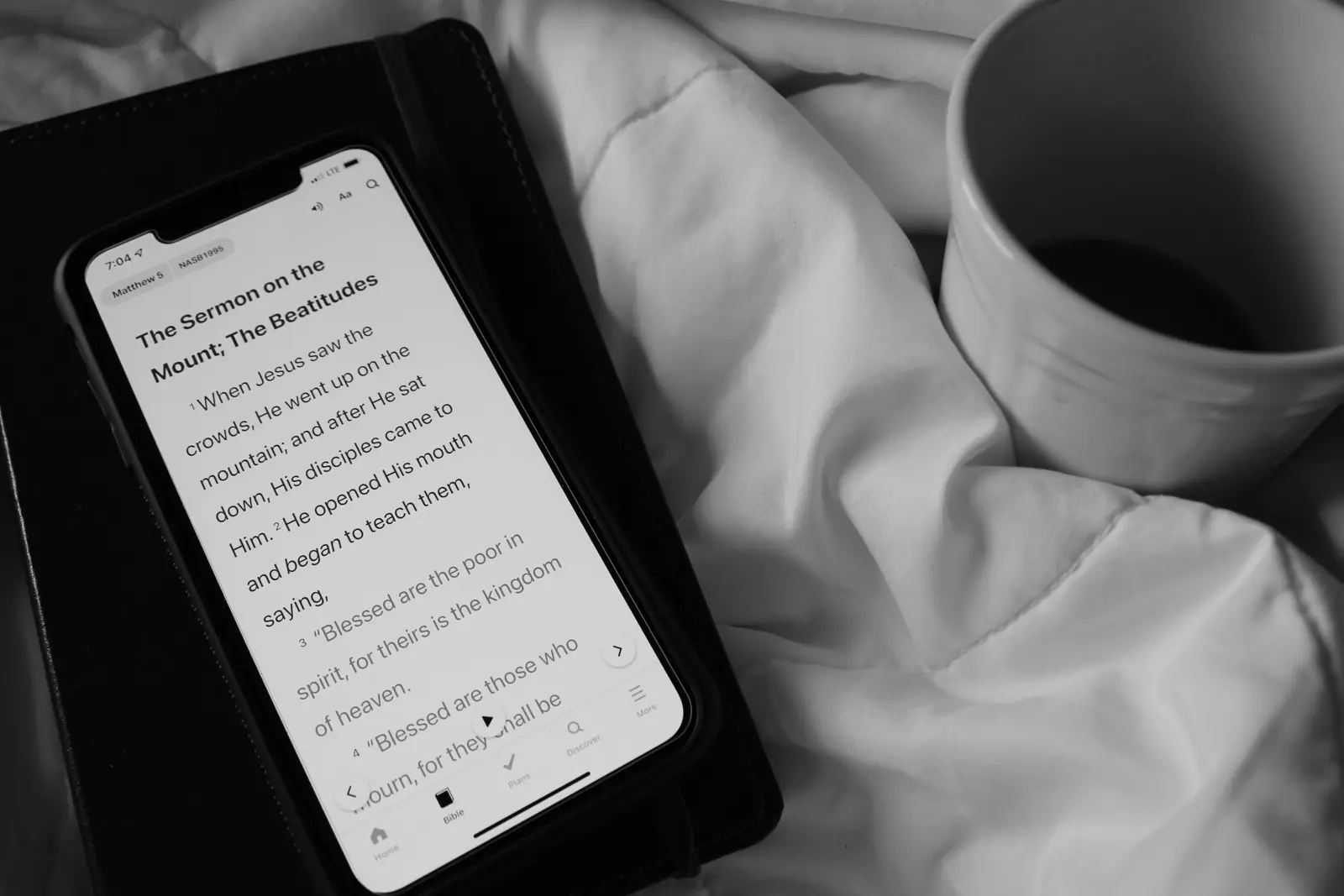
The lock lifts after real reading time, so the habit is reading, not tapping past a quote.
Whatever your church reads. PageFirst never picks one for you.
Keep your notes, plans and highlights where they are. These are examples; any reading app works.
The home screen shows the minutes left and one button that opens your Bible app.
It grows by one every day you read before you scroll, so you can watch the habit build.
PageFirst doesn't show its own verses or teach anything. It only measures time in the reading app you choose, so it fits your church, your translation and your plan.
Reading comes first, before the apps you open without thinking. So it happens every day, including the busy ones.
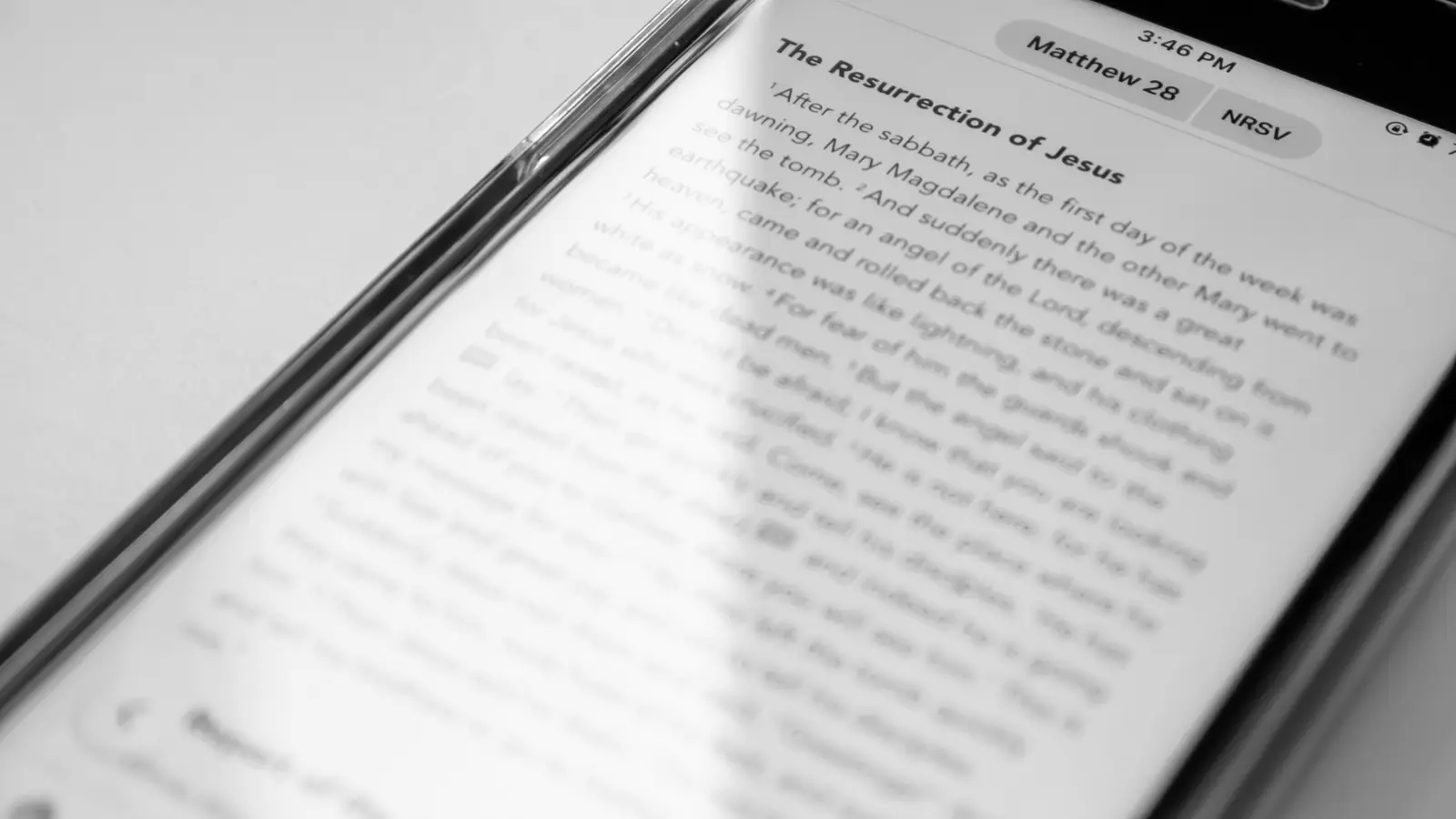
Start with 5 minutes a day. Small enough to keep, even on a full day.
Your social apps wait until you've read, so the Bible comes before the feed.
Each day you read first adds one day to the streak on your home screen.
One reminder a day to open your Bible app. Included in the free version.
Premium adds 10, 15, 20 or 30 minute goals and your reading history, day by day.
PageFirst is built on Apple's Screen Time. It knows how long you read, and nothing about what you do.
Most screen-time Bible apps charge weekly or yearly subscriptions. PageFirst has no subscription at all.
Free to download and use, every day.
$9.99 in the US. App Store prices vary by country. No weekly fees, no renewals.
Coming soon to the App StoreSubscription ranges reflect typical public App Store prices for screen-time Bible apps in the US, October 2026, multiplied out. PageFirst's free version costs nothing at all.
| Pricing model | After 1 year | After 3 years |
|---|---|---|
| Weekly subscriptionTypically $5 to $6 per week | $260-312 | $780-936 |
| Yearly subscriptionTypically $25 to $60 per year | $25-60 | $75-180 |
| PageFirst Premium$9.99 one time | $9.99 | $9.99 |
Something else? Write to lukas@finansudirbtuves.lt.
PageFirst is an iPhone app that keeps your social media apps locked each day until you have read the Bible for a few minutes in your own Bible app. When you reach your daily goal, the apps open for the rest of the day.
PageFirst uses Apple's Screen Time (Family Controls) to keep the apps you choose locked. They unlock once you have read for your daily goal, which starts at 5 minutes, and stay open until tomorrow.
PageFirst makes Bible reading the first step before social media each day. The apps you choose stay locked until you reach a small daily goal, 5 minutes to start. A streak shows every day you read first, and a free daily reminder brings you back. Because reading comes before the feed, it becomes part of every day.
Start with 5 minutes a day, the free daily goal. When that feels easy, PageFirst Premium lets you choose longer goals of 10, 15, 20 or 30 minutes. Only time spent in the reading app you picked counts toward the goal.
PageFirst works with the Bible app you already use, for example YouVersion Bible, JW Library, Blue Letter Bible, Logos, Bible Gateway, Apple Books, Kindle, or any other reading app. Only time spent in the reading app you pick counts.
No. PageFirst counts reading time in a Bible or reading app on your iPhone, so time with a printed Bible does not unlock your apps. You can pick any reading app, for example one with the same translation as your printed Bible.
Yes, PageFirst is free to download and use, including the daily lock with a 5-minute goal and a daily reading reminder. PageFirst Premium is a one-time purchase of $9.99 in the US. Prices vary by country.
No. PageFirst has no subscriptions, no weekly fees and no ads. Premium is paid once and is yours forever.
Yes. PageFirst is for every Christian tradition, including Catholic, Protestant, Orthodox and Jehovah's Witnesses. It does not show its own verses, so you read the translation your church uses in the app you prefer.
Yes. Apple's Screen Time gives PageFirst only anonymous tokens, so it cannot see which apps you use or what you do in them. There are no accounts, no ads, no analytics and no tracking. Everything stays on your iPhone.
You need an iPhone with iOS 27 or later. PageFirst is available in 33 languages.
Set it up tonight. Tomorrow your Bible comes before your feed, and the day after that too. That is how a daily habit starts.
We use Google Analytics cookies to see how people use this site, but only if you allow it. Privacy Policy